back to client resources
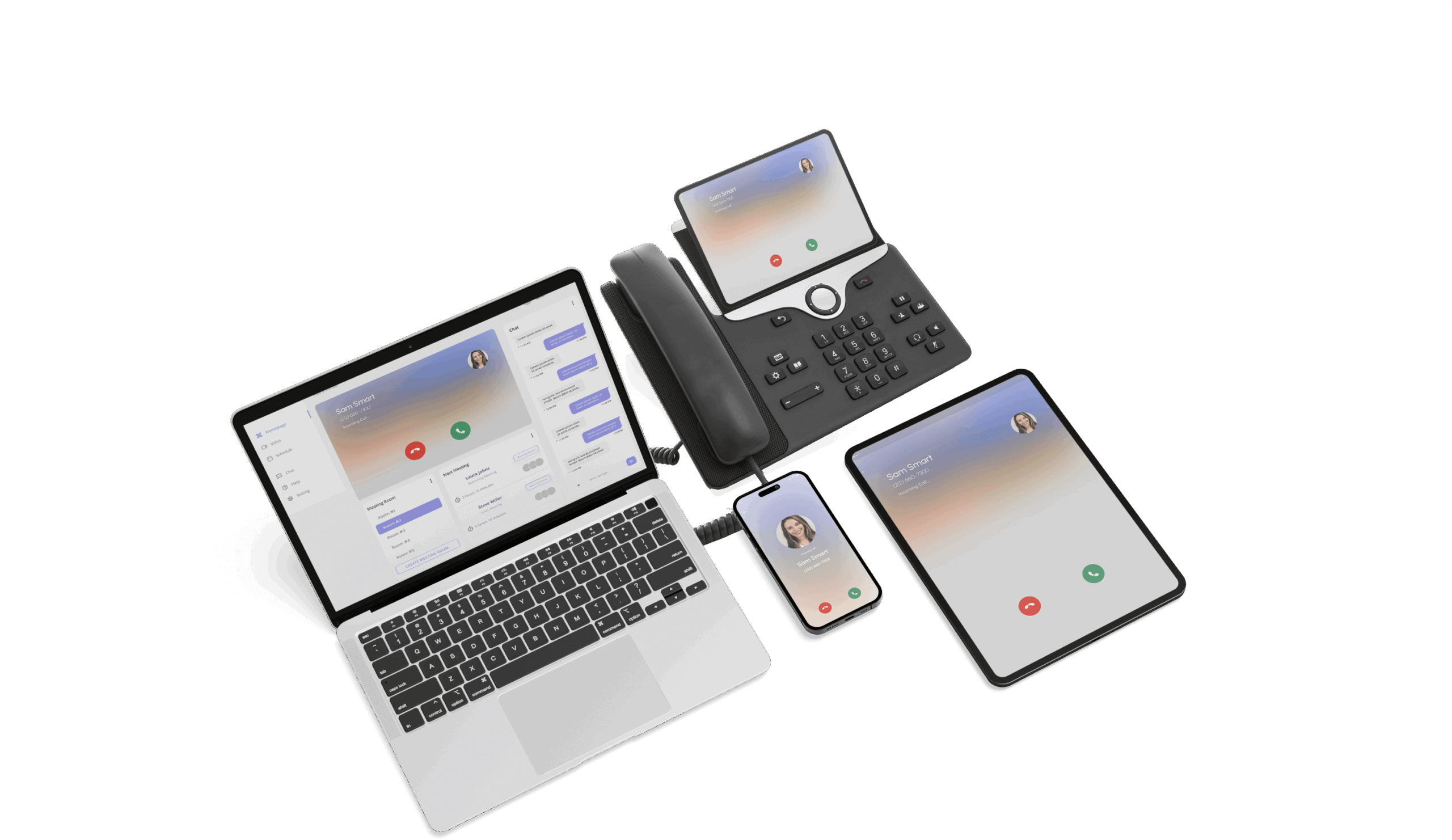
SmartChoice Softphone
Tutorials and guides
SmartChoice Softphone Desktop Install
How To Install The App
Follow these steps:
- Delete the BRIA App from your Mac or PC.
- Download App from this page
- Install the App and follow the instructions:
- Sign in with User Name and Password
- If you need to recover your password reach out to our SmartChoice Tech support
Optional: Login to your Office 365 Account to set up Contact Sync.
Now you’re ready to make and receive calls with your SmartChoice Softphone!


Video Guides

Need Support?
Tech Support Team