May’s FOTM: Smart Call Forward
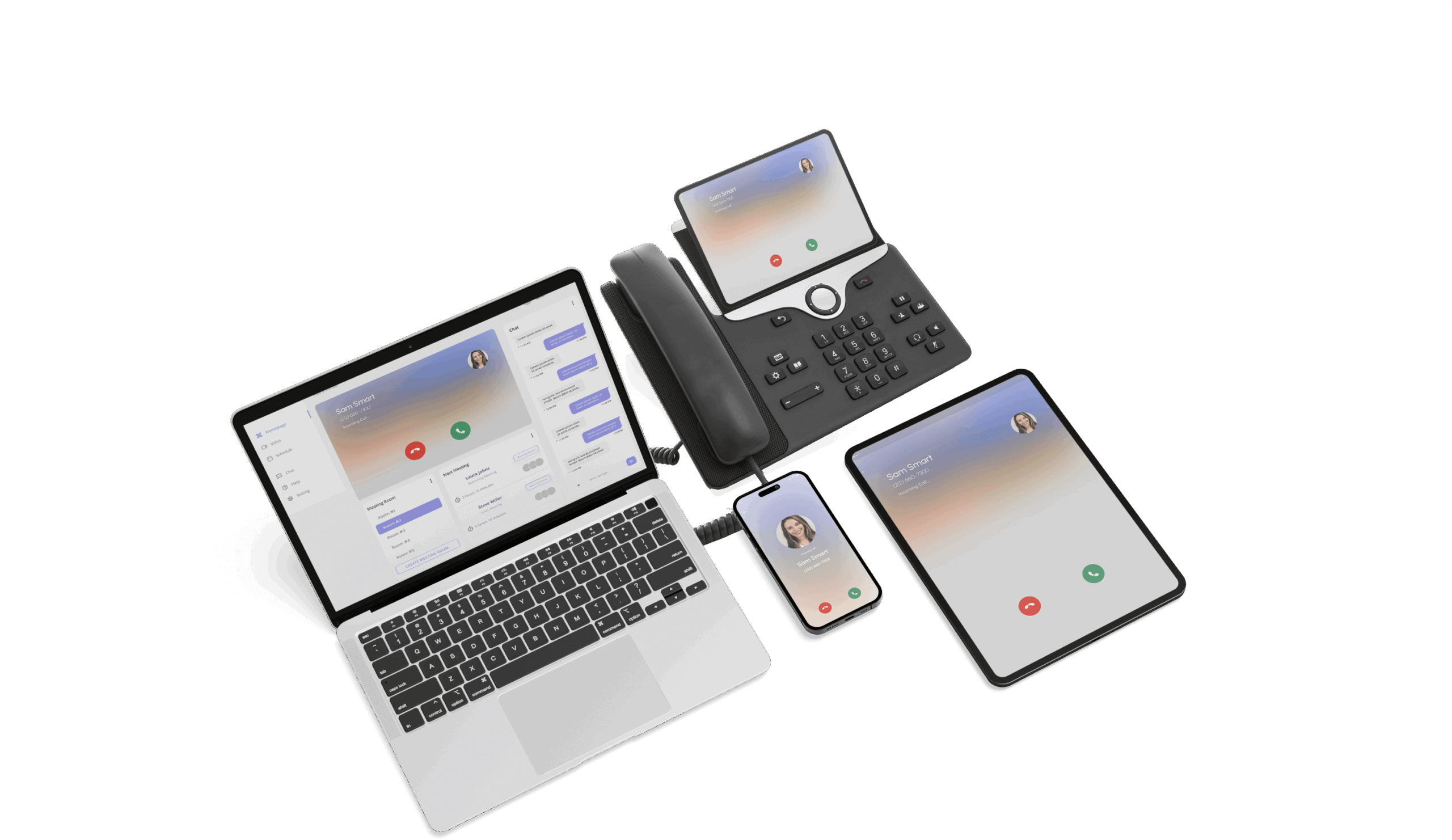
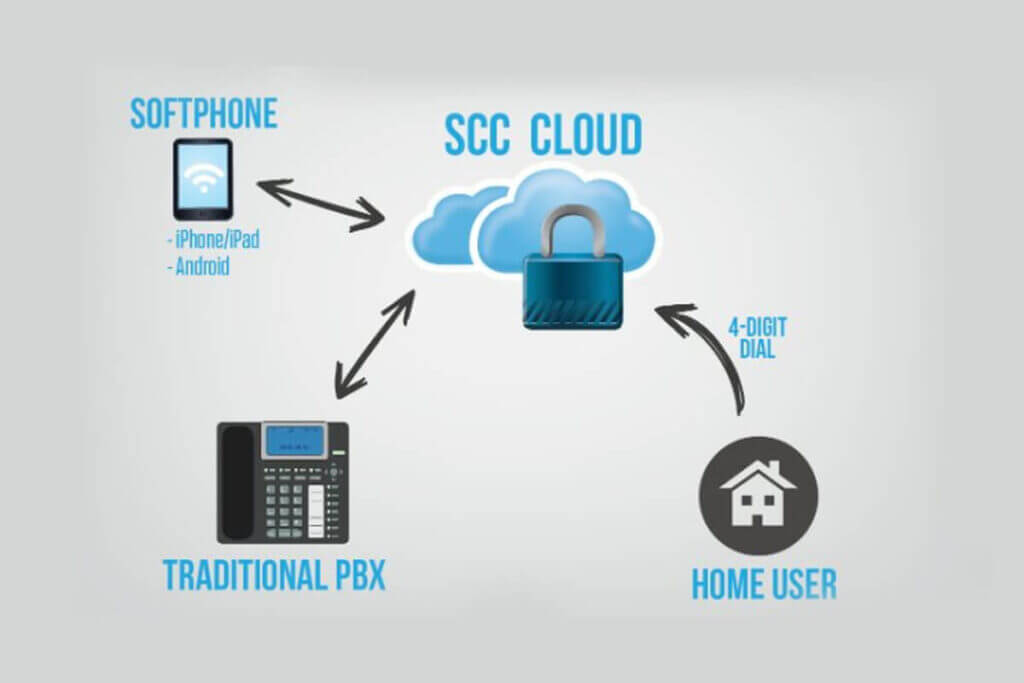
Smart Tiles’ Call forwarding is a helpful telephone feature that allows you to receive your business calls on a separate handset. In the event you are away from your desk, you may set a phone to forward calls to your personal telephone, such as a cell phone or home number. Configuring call transfer and forwarding for VoIP calls is a fairly complex task in most networks. Even if you have a Cisco Unified Call Manager (CUCM) there are still many interactions and special configurations to be considered. In a VoIP network, getting an optimized system working for call transfer and forwarding requires the active cooperation of all endpoints involved in a call transfer or call forward. With Smart Tile, you can transfer or forward calls between any VoIP endpoints, regardless of their physical location.
How does Call Forwarding work?
- Call Forwarding enables you to send your calls to another number.
- While callers are on hold listening to music, the Call Forwarding feature locates you on your home, office or cellular phone and delivers the call.
- When a call is transferred to you, your phone display tells you who is calling.
- If you don’t answer, the call is forwarded to a second number or the caller has the option of leaving a message on your voicemail.
- Call Forwarding settings are easy to change. You can do it yourself, as often as you want.
Using Smart Tile:
Add A System User:
- Navigate to the ‘Admin’ page and ‘Users’ tab
- Click ‘Add User’
- Enter the new user’s email address and password and click ‘Submit
Manage CUCM Groups:
- Navigate to the ‘Admin’ page
- Click the ‘CUCM Groups’ tab
- Click the ‘Manage Group’ button
- Click ‘Update Lines’ to see CUCM phone line
- Click ‘Add’ next to phone lines to add to the CUCM group
- Click ‘Add’ next to users to add to the CUCM Group
- Review users and phone lines associated with the CUCM Group
End User Call Forward Management
- Login to Smart Tile with the email and password assigned to the end user.
- Click ‘Cisco UC > Call Forwards’ww.smartchoiceus.com | [email protected]
- Update the call forward number and click ‘Change Forward’
- Verify the CUCM Call Forward setting has changed for extension 1001.
- Verify the CUCM Calling Search Space for ‘Forward All’
- Voice
- Internet and Data
- Card Access
- People Counters
- Host and Server Status
- Call Volume and History
- Hosted Voice Portal Records
- Video Surveillance
- Bandwidth Monitoring
- Network Security
- Call Volume and History
- Alarm Activation Reports
- Additional IoT Devices
SmartChoice’s Network Operations Center engineers watch over your network 24 x 7 x 365 to monitor performance and notifies you immediately when potential issues and threats are detected. Networks and devices are pinged minute by minute, ensuring any signs of strain, intrusions or breaches are identified. Smart Tile intelligently supports industries around the globe, through improved IT infrastructure monitoring, data collection and analytic solutions, while enhancing the productivity and performance of your business.